Hosting and inviting
The GM's copy of Maelstrom is the table: it serves every player's browser. This page covers starting a table on your home network or over the internet, inviting players, the firewall, and the GM's controls for the people at the table (pause, bell, kick and ban).
Starting the table
Select a campaign on the start screen, then set:
- Your name: what players see you called.
- Port: 47300 unless you change it.
- Password: leave it blank for an open table.
- Players connect over: LAN for players on your home network, Internet for players on the internet, or both.
Press Play. Addresses to give your players lists the addresses to share, written as http://address:port.
Players on the internet
With Internet on, leave Open the port on my router by itself (UPnP) ticked. Maelstrom asks your router to open the port while you host (UPnP, or NAT-PMP) and closes it again when you stop. The Players window says whether it worked.
If your router has UPnP turned off, forward the port yourself in the router's settings: 47300 by default, TCP, to this PC.
The firewall
- Windows installer: adds the firewall rule for you.
- Running from source on Windows: Windows asks once, the first time you host.
- Linux: if a firewall is on (such as
ufw), allow the port yourself:sudo ufw allow 47300/tcp.
Inviting players
The Players window's Invite is a link with the table password already in it. The password sits after the #, the part of a link a browser never sends to a server.
- Press Copy and paste the link in your group's chat.
- Or show its QR code to a player sitting with you.
- When you host on both LAN and Internet, choose the internet link or your network's.
A player opens the link, types their name and their own password, and sits down. Players who join from a plain address type the table password themselves. See Joining a table.
Player accounts
Each player's name and password is their account at this table: it keeps their seat and their characters theirs. In the Players window the GM can list the accounts, make one ahead of time, set a new password, or remove one.
The GM's controls
Pause
The pause button beside Hosting (or /pause in chat) puts a veil over the players' screens. Their tokens stay put and their rolls wait until you press Go on. Chat goes on, and you can still do everything as usual. Pause also holds a player finishing the character wizard or improving a character.
The Players window
Each player's row has a bell and a ⋯ menu. Right-click a row, or a character's portrait along the top of the screen, for the same menu:
| Item | What it does |
|---|---|
| Ring bell | A chime and a flash on that player's screen alone. |
| View as | Your map through that player's eyes. |
| Mark away | Dims their portrait. |
| Kick | Sends them away from the table. |
| Ban | They cannot sit at this table again, by name and from the address they came from, until you press Unban in the Players window's Banned list. |
Away, hands and dropped connections
- Away: a player who types
/afk, or does nothing for five minutes, has their portrait dimmed. - Raised hands: a player's hand button (top right) raises a hand. You hear a chime and see the hand on their portrait and row.
- Dropped connection: a player whose Wi-Fi drops sees Reconnecting… over the table and sits back down in the same seat by themselves. You see them as reconnecting meanwhile, and their portrait stays. Your own window does the same if its connection drops.
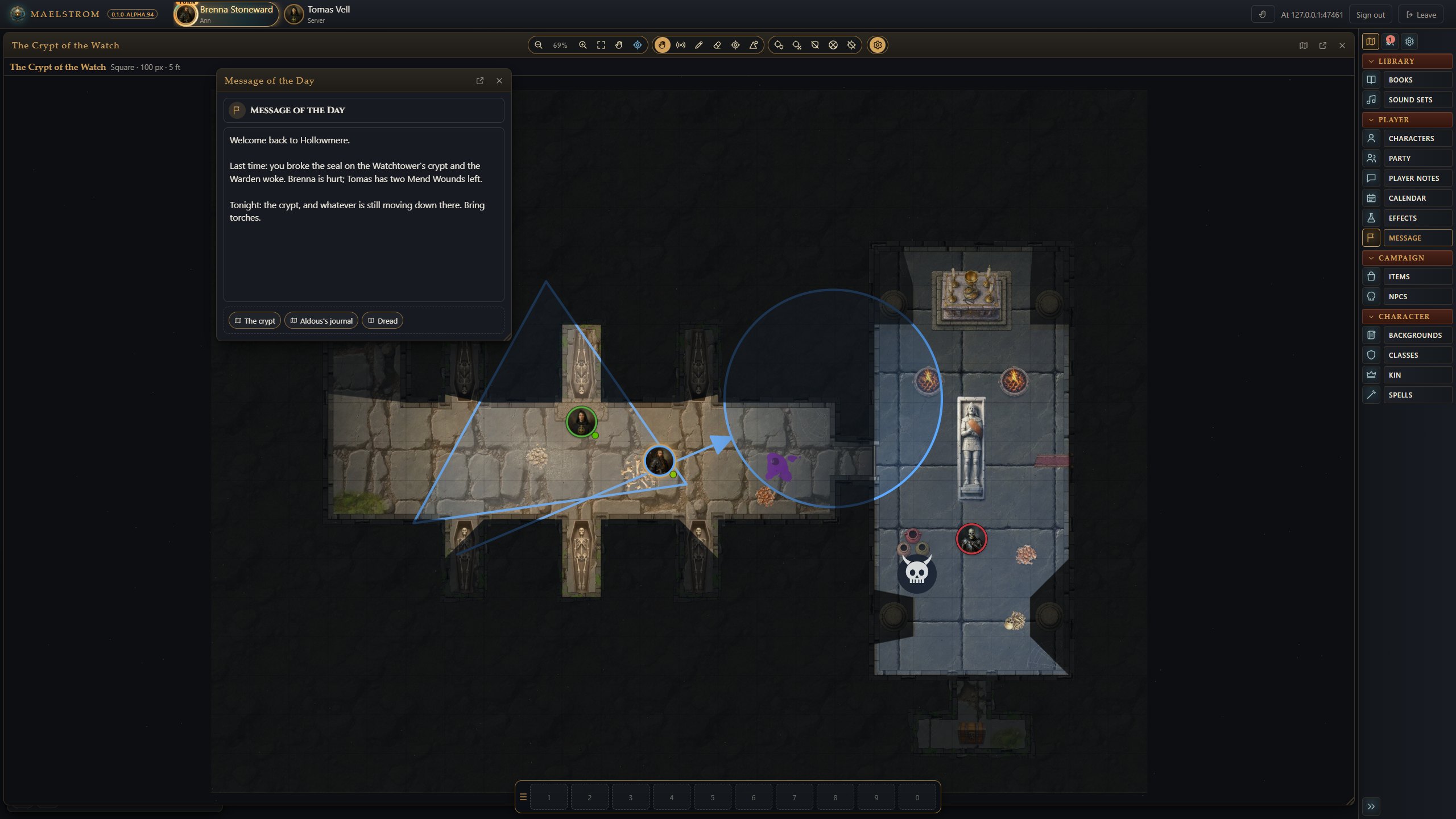
Message of the Day
Message of the Day (sidebar) is what players see as they join. Drag a map, an NPC or a page into it to link it.